USB2LCD 3.5 Inch IPS LCD Monitor Display Light AIDA64 RGB Breathing USB Display Sub-Screen For PC Computer Raspberry Pi
USB2LCD 3.5 Inch IPS LCD Monitor Display Light AIDA64 RGB Breathing USB Display Sub-Screen For PC Computer Raspberry Pi
Sale
Sold out
Pre-order
Regular price
$20.81 USD
Regular price
$32.02 USD
Sale price
$20.81 USD
Unit price
per
Tax included.
Shipping calculated at checkout.
In stock
-
All orders are dispatched the next 3 business days!
-
We will beat any price. We back all products with a 1 year guarantee.
Add $299.99 more to get FREE SHIPPING!
$0.00
Order in the next 0 hours 0 minutes to get it by /09/2026
Couldn't load pickup availability
Guaranteed Safe Checkout
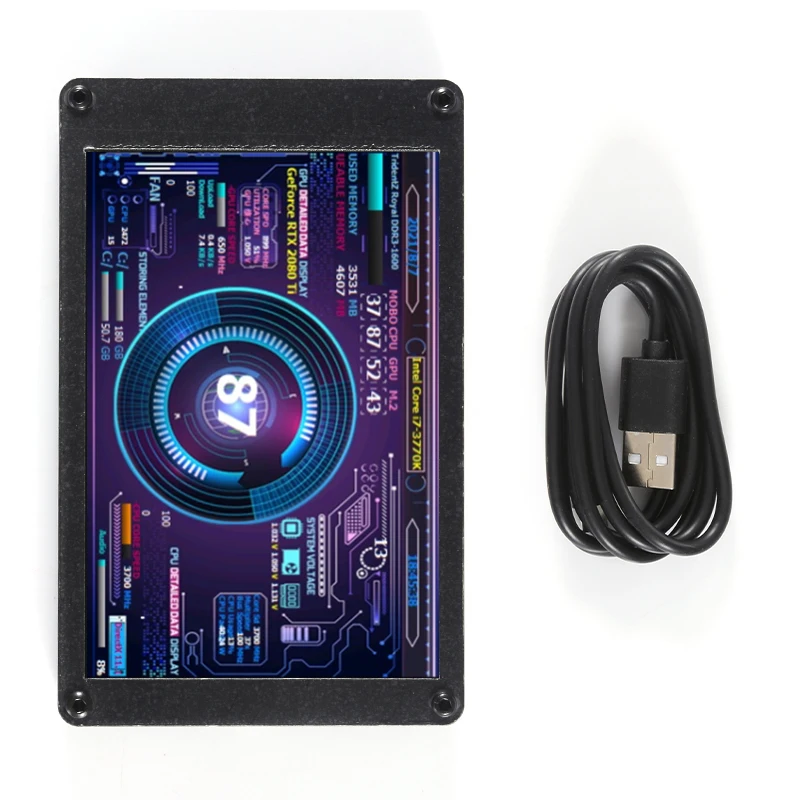
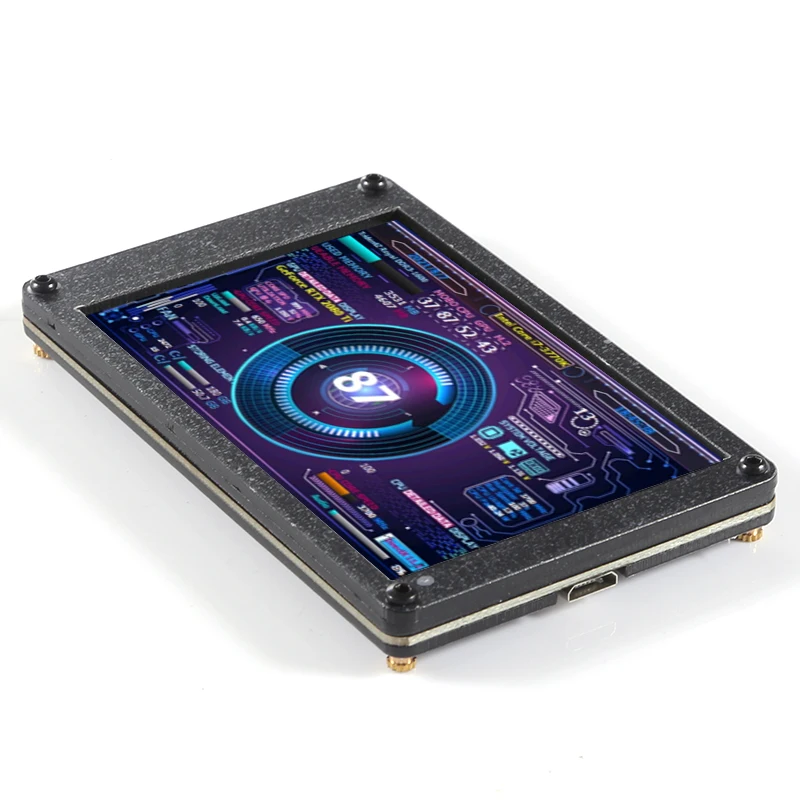
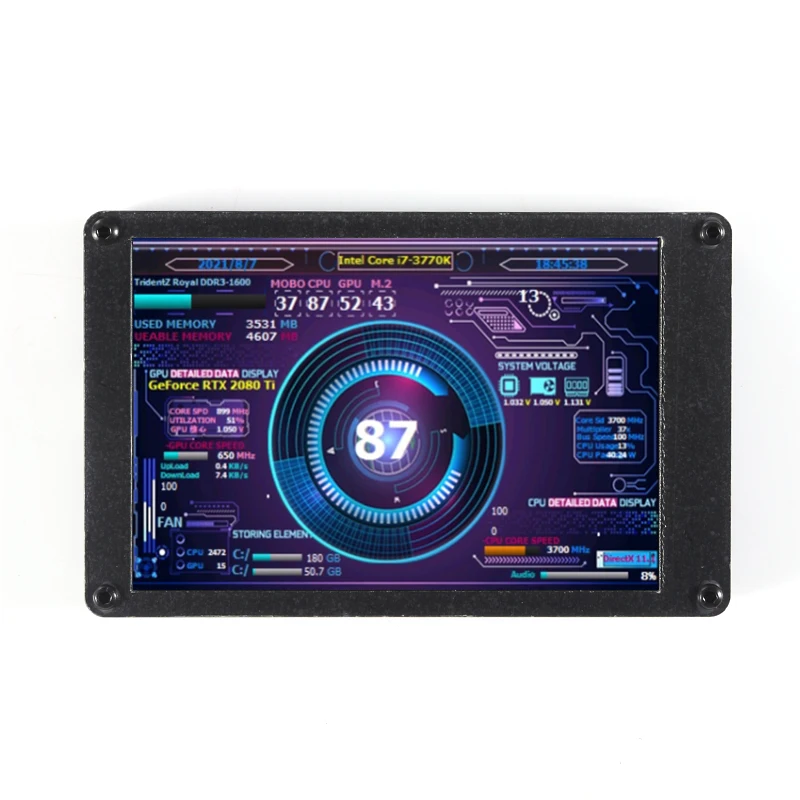
3.5 inch IPS TYPEC secondary screen case mini case secondary screen computer monitor usb secondary screen free of AIDA64\
Case size: 94*59mm
Just for Windows system
Manual software download:
https://www.adrive.com/public/4RU2AJ/3.5%20LCD%20manual%20software.zip
FAQ:
1 Is this small LCD monitor compatible with the 2.4-inch AX206 photo frame?
Answer:
The use of aida64 under Windows is completely compatible, and the Lcd4Linux software package (supporting 32-bit and 64-bit) that needs to be recompiled by myself under Linux is also compatible.
Therefore, this LCD monitor can be used in various Linux systems such as Windows, Qunhui NAS, openwrt router, and Raspberry Pi.
without case version suitable for directly installing on the chassis.
3. Have technical support?
Answer:
1 Provide a certain level of technology, provide a basic simple tutorial, and use Qunhui NAS. Lcd4linux installation tutorial, etc.
2 Provide several configuration themes I collected online. Convenient to get started as soon as possible.
4 How many USB ports does this LCD monitor have? Is horizontal screen display supported under Windows?
Answer:
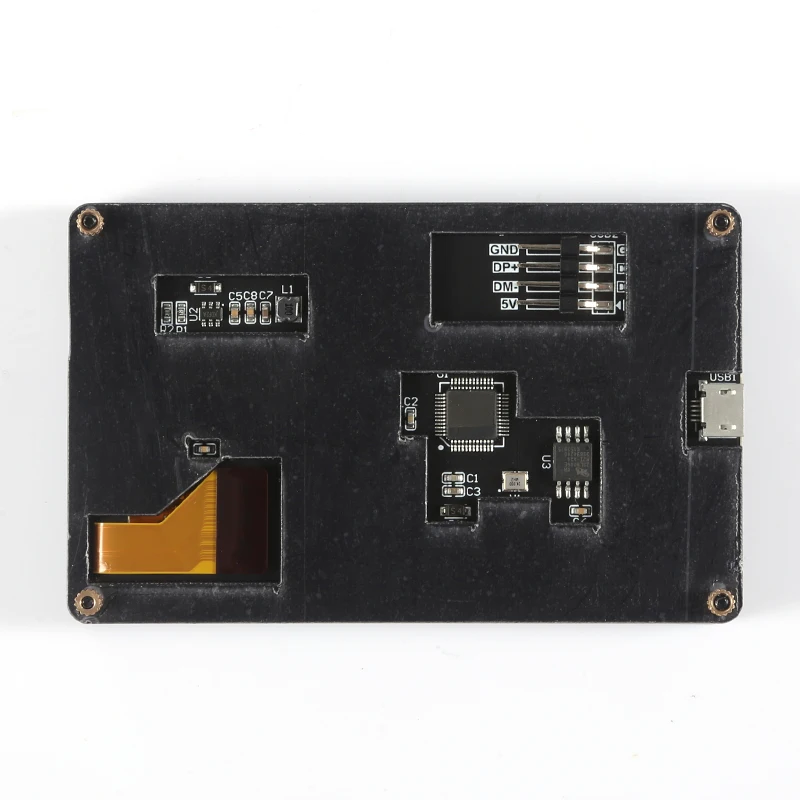
1 Supports 4 USB ports, two of which are MicroUSB on the side of the product, and one MicroUSB and a 4PIN 2.54 pin USB on the back of the product.
2 Supports horizontal screen display under Windows, just plug in a jumper cap.
5. Are there any accessories to send?
Answer:
1 Because this product is assembled and welded manually by myself. The color is OK.
2 The default is a MicroUSB cable.
6 Is it easy to fix to the chassis?
Answer:
1 You can buy double-sided foam tape to fix the box to the chassis.
2 Remove the box to keep the motherboard module, use the copper pillars and M3 screws fixed in the box. Punch holes in the chassis and fix it directly on the chassis.
3 Put the box directly on the case for use.
4 The delivered permanent magnet small foot cup is sucked to the iron case (the default is not delivered, it is easy to crush the screen, you need to note when placing an order).
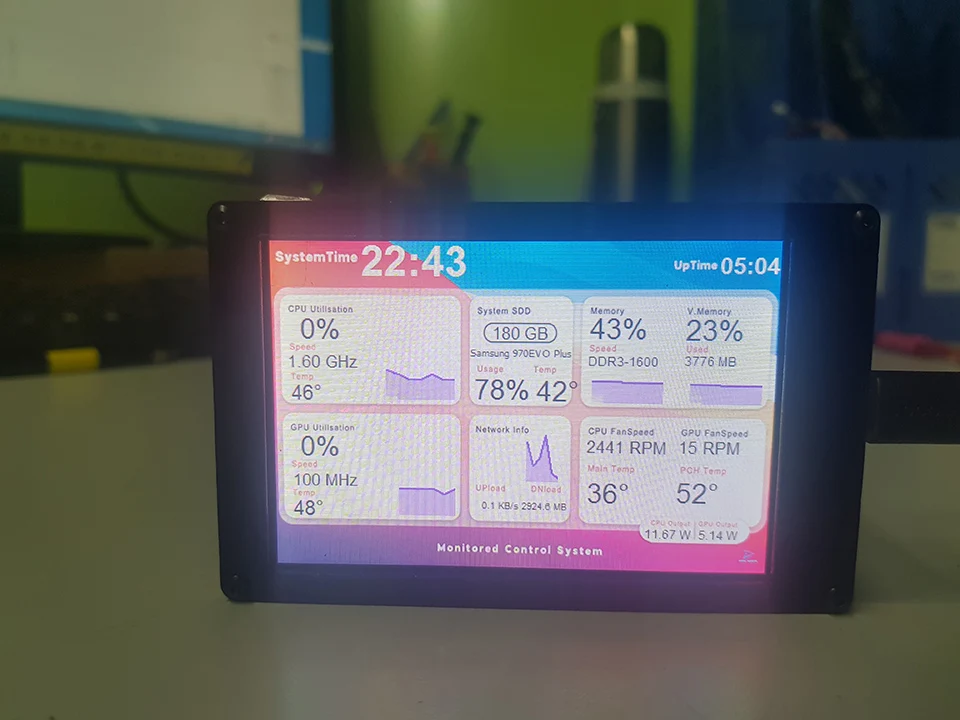
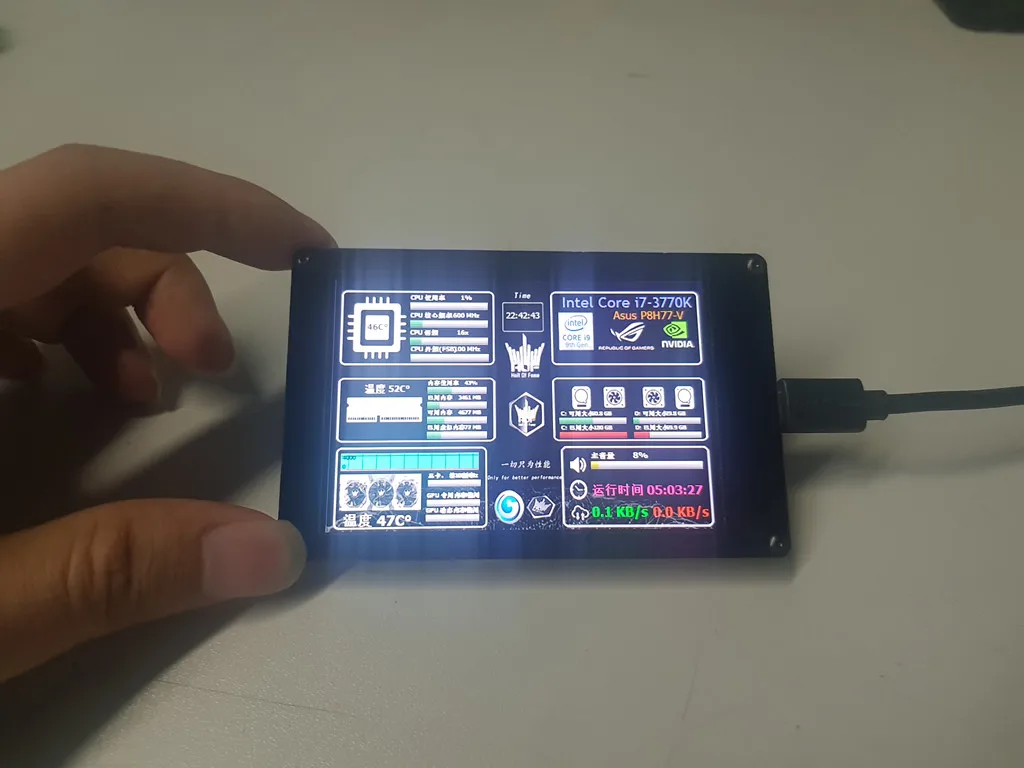
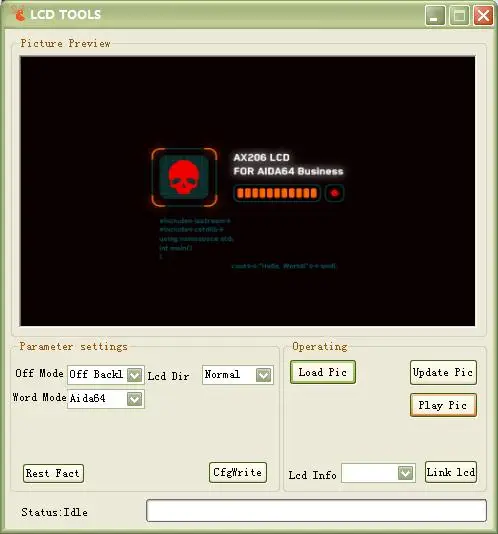
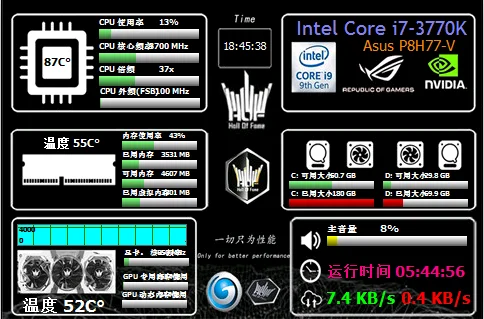
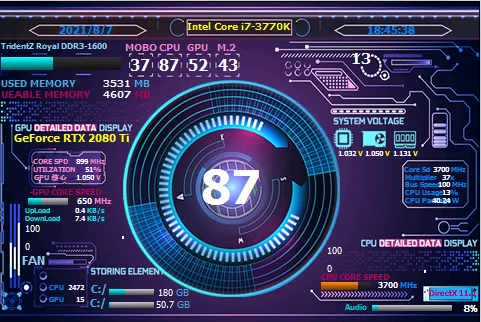
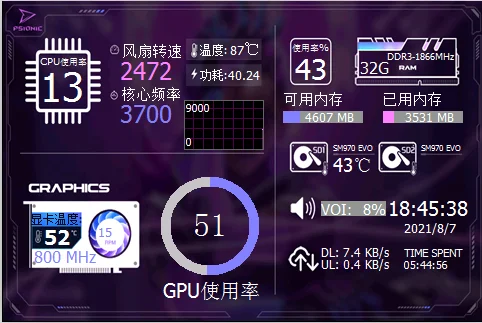
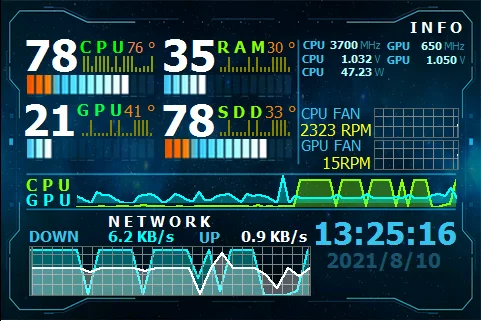
Template selection:
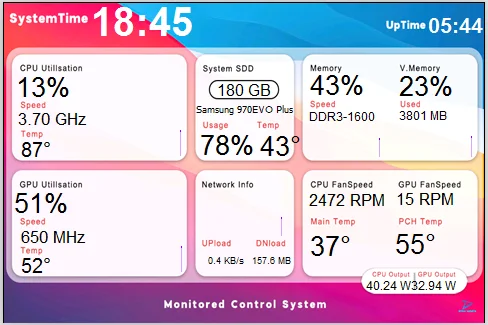
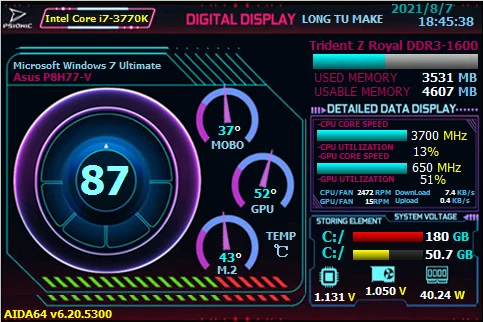
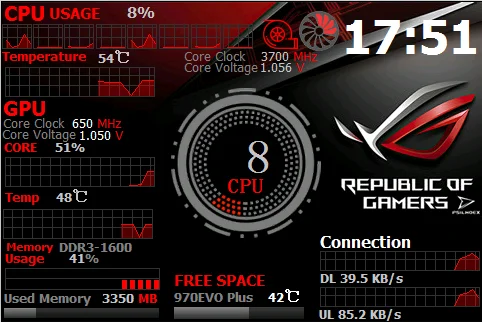
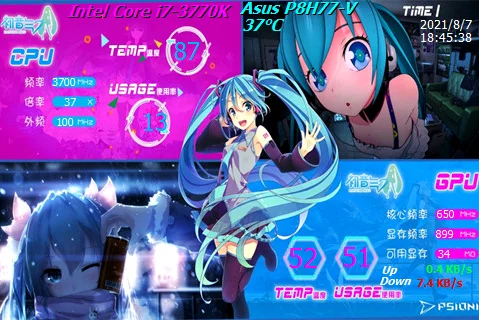
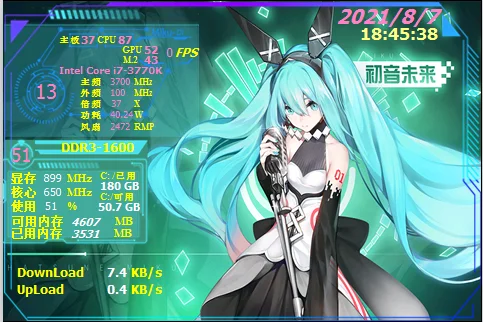




Description
Description
3.5 inch IPS TYPEC secondary screen case mini case secondary screen computer monitor usb secondary screen free of AIDA64\
Case size: 94*59mm
Just for Windows system
Manual software download:
https://www.adrive.com/public/4RU2AJ/3.5%20LCD%20manual%20software.zip
FAQ:
1 Is this small LCD monitor compatible with the 2.4-inch AX206 photo frame?
Answer:
The use of aida64 under Windows is completely compatible, and the Lcd4Linux software package (supporting 32-bit and 64-bit) that needs to be recompiled by myself under Linux is also compatible.
Therefore, this LCD monitor can be used in various Linux systems such as Windows, Qunhui NAS, openwrt router, and Raspberry Pi.
without case version suitable for directly installing on the chassis.
3. Have technical support?
Answer:
1 Provide a certain level of technology, provide a basic simple tutorial, and use Qunhui NAS. Lcd4linux installation tutorial, etc.
2 Provide several configuration themes I collected online. Convenient to get started as soon as possible.
4 How many USB ports does this LCD monitor have? Is horizontal screen display supported under Windows?
Answer:
1 Supports 4 USB ports, two of which are MicroUSB on the side of the product, and one MicroUSB and a 4PIN 2.54 pin USB on the back of the product.
2 Supports horizontal screen display under Windows, just plug in a jumper cap.
5. Are there any accessories to send?
Answer:
1 Because this product is assembled and welded manually by myself. The color is OK.
2 The default is a MicroUSB cable.
6 Is it easy to fix to the chassis?
Answer:
1 You can buy double-sided foam tape to fix the box to the chassis.
2 Remove the box to keep the motherboard module, use the copper pillars and M3 screws fixed in the box. Punch holes in the chassis and fix it directly on the chassis.
3 Put the box directly on the case for use.
4 The delivered permanent magnet small foot cup is sucked to the iron case (the default is not delivered, it is easy to crush the screen, you need to note when placing an order).
Template selection:
Item Specifics
Item Specifics
