Original External S Meter SWR Power Meter For Yaesu FT-857 FT-897 Practical Receive Emission Display Metal Case Cover SWR Meter
Original External S Meter SWR Power Meter For Yaesu FT-857 FT-897 Practical Receive Emission Display Metal Case Cover SWR Meter
In stock
-
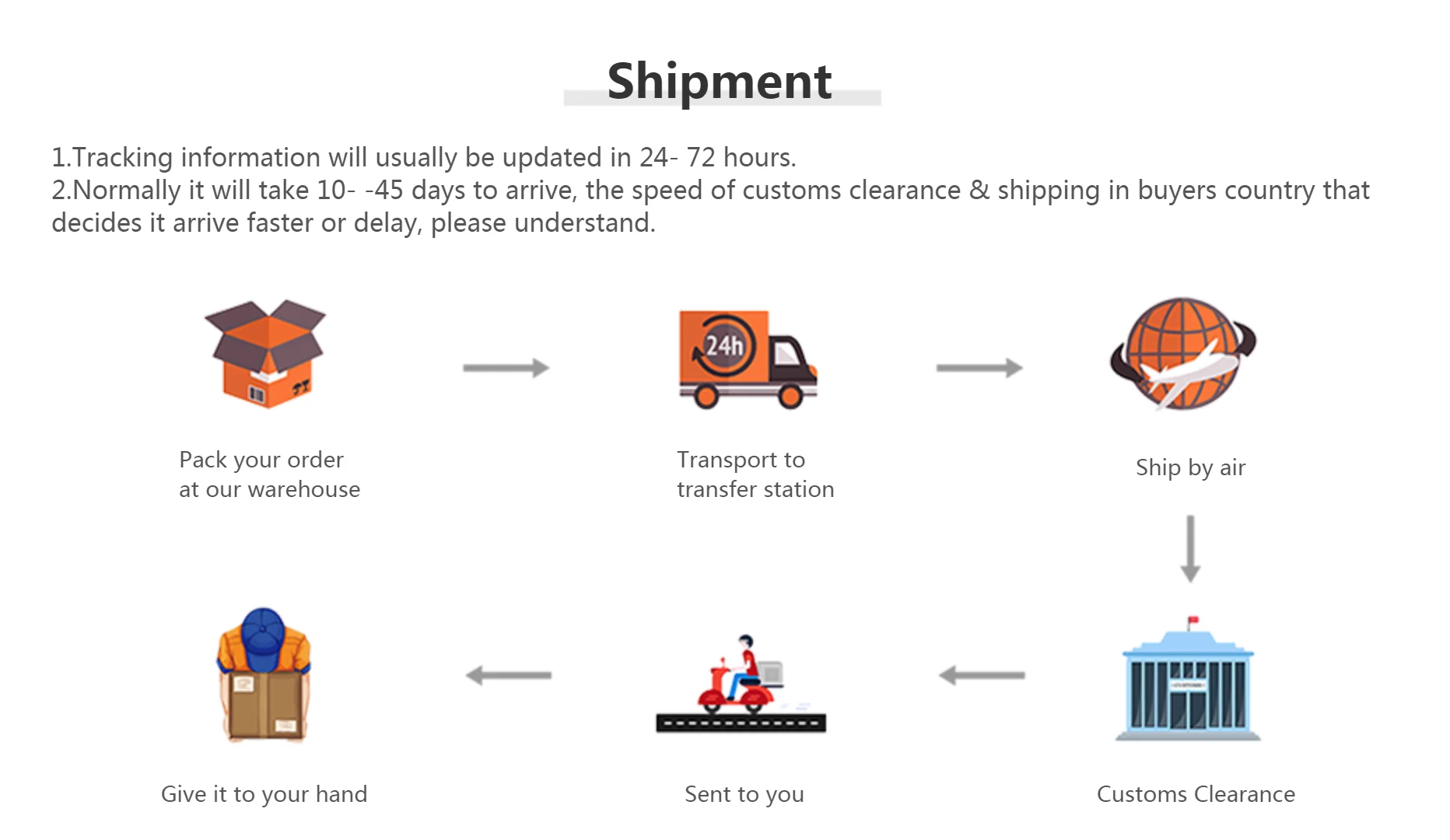
All orders are dispatched the next 3 business days!
-
We will beat any price. We back all products with a 1 year guarantee.
Order in the next 0 hours 0 minutes to get it by /09/2026
Couldn't load pickup availability
Guaranteed Safe Checkout


FT-897 Metal Case Power Meter Original External S Meter SWR Power Meter For Yaesu FT-857 FT-897
Description:
Receive Display Settings:
1, press [FUNC] key to enter the setup menu, enable the extended menu.
2, rotate [SELECT] to call up the setup menu item No-060 [MTR ARX SEL].
3, rotate [DIAL] to select an external instrument display:
SIG: the input signal strength display
CTR: Discriminator Center Meter
VLT: battery voltage
N / A: blank
FS: buckle in the instrument 1mA full scale output signal calibration standard external instruments
OFF:Turn off the meter.
4, press [FUNC] button to save the settings and exit the setup menu.
Emission Display Settings:
1, press [FUNC] key to enter the setup menu, enable the extended menu.
2, rotate [SELECT] to call up the setup menu item No-061 [MTR ATX SEL].
3, rotate [DIAL] to select an external instrument display:
PWR: transmit power display
ALC: Automatic Level Control voltage display
MOD: Modulation Level Display
SWR: SWR display
VLT: Display Supply Voltage
N / A: blank
OFF: Turn off the meter.
Calibration method is as follows:
1, press [FUNC] key to enter the setup menu, enable the extended menu.
2, rotate [SELECT] to call up the setup menu item No-060 [MTR ARX SEL].
3, rotate [DIAL] to select FS.
4, with a small flathead screwdriver to adjust the calibration adjustment hole rear, so the header pointer to full scale.
5, the calibration is complete!
Package Included :
External S Meter/SWR/Power Meter for Yaesu FT-857/FT-897 Metal Case Cover
NOTE: If you can not find the numbers 60, 61 menu, is this two radio hidden menu. Long press the F key to open the menu settings, the 1st menu set to ON, press the F key to open the exit to save the hidden menu

Description
Description
FT-897 Metal Case Power Meter Original External S Meter SWR Power Meter For Yaesu FT-857 FT-897
Description:
Receive Display Settings:
1, press [FUNC] key to enter the setup menu, enable the extended menu.
2, rotate [SELECT] to call up the setup menu item No-060 [MTR ARX SEL].
3, rotate [DIAL] to select an external instrument display:
SIG: the input signal strength display
CTR: Discriminator Center Meter
VLT: battery voltage
N / A: blank
FS: buckle in the instrument 1mA full scale output signal calibration standard external instruments
OFF:Turn off the meter.
4, press [FUNC] button to save the settings and exit the setup menu.
Emission Display Settings:
1, press [FUNC] key to enter the setup menu, enable the extended menu.
2, rotate [SELECT] to call up the setup menu item No-061 [MTR ATX SEL].
3, rotate [DIAL] to select an external instrument display:
PWR: transmit power display
ALC: Automatic Level Control voltage display
MOD: Modulation Level Display
SWR: SWR display
VLT: Display Supply Voltage
N / A: blank
OFF: Turn off the meter.
Calibration method is as follows:
1, press [FUNC] key to enter the setup menu, enable the extended menu.
2, rotate [SELECT] to call up the setup menu item No-060 [MTR ARX SEL].
3, rotate [DIAL] to select FS.
4, with a small flathead screwdriver to adjust the calibration adjustment hole rear, so the header pointer to full scale.
5, the calibration is complete!
Package Included :
External S Meter/SWR/Power Meter for Yaesu FT-857/FT-897 Metal Case Cover
NOTE: If you can not find the numbers 60, 61 menu, is this two radio hidden menu. Long press the F key to open the menu settings, the 1st menu set to ON, press the F key to open the exit to save the hidden menu
Item Specifics
Item Specifics
