Autel CAN FD Adapter Compatible with J2534-VCI, Wireless Diagnostic Interface, VCI 100, VCI Mini, Maxisys Series 2020 G-M
Autel CAN FD Adapter Compatible with J2534-VCI, Wireless Diagnostic Interface, VCI 100, VCI Mini, Maxisys Series 2020 G-M
In stock
-
All orders are dispatched the next 3 business days!
-
We will beat any price. We back all products with a 1 year guarantee.
Order in the next 0 hours 0 minutes to get it by /12/2025
Couldn't load pickup availability
Guaranteed Safe Checkout
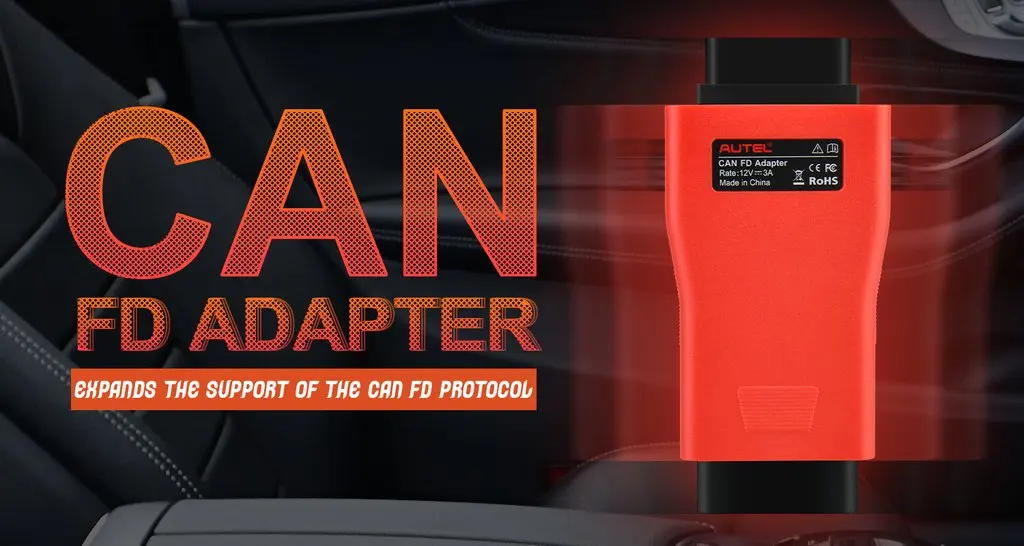
CAN FD Adapter Overviews:
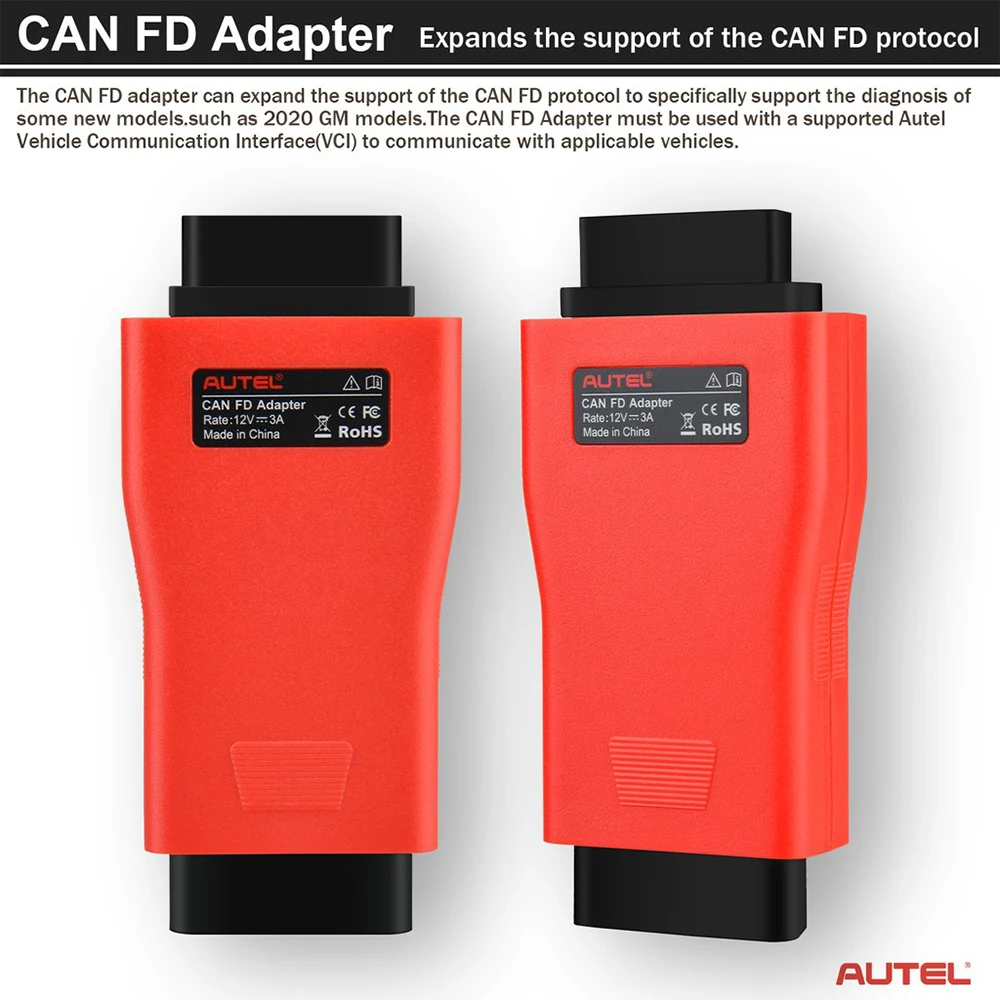
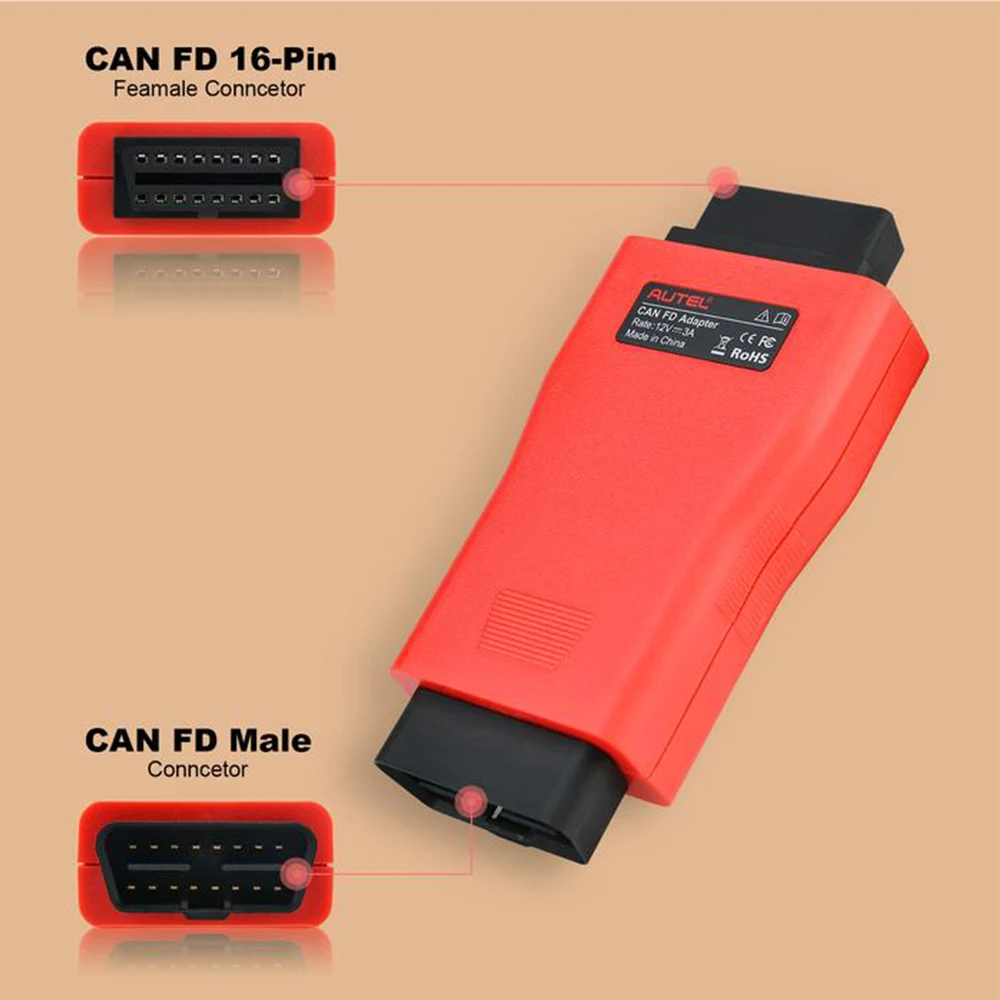
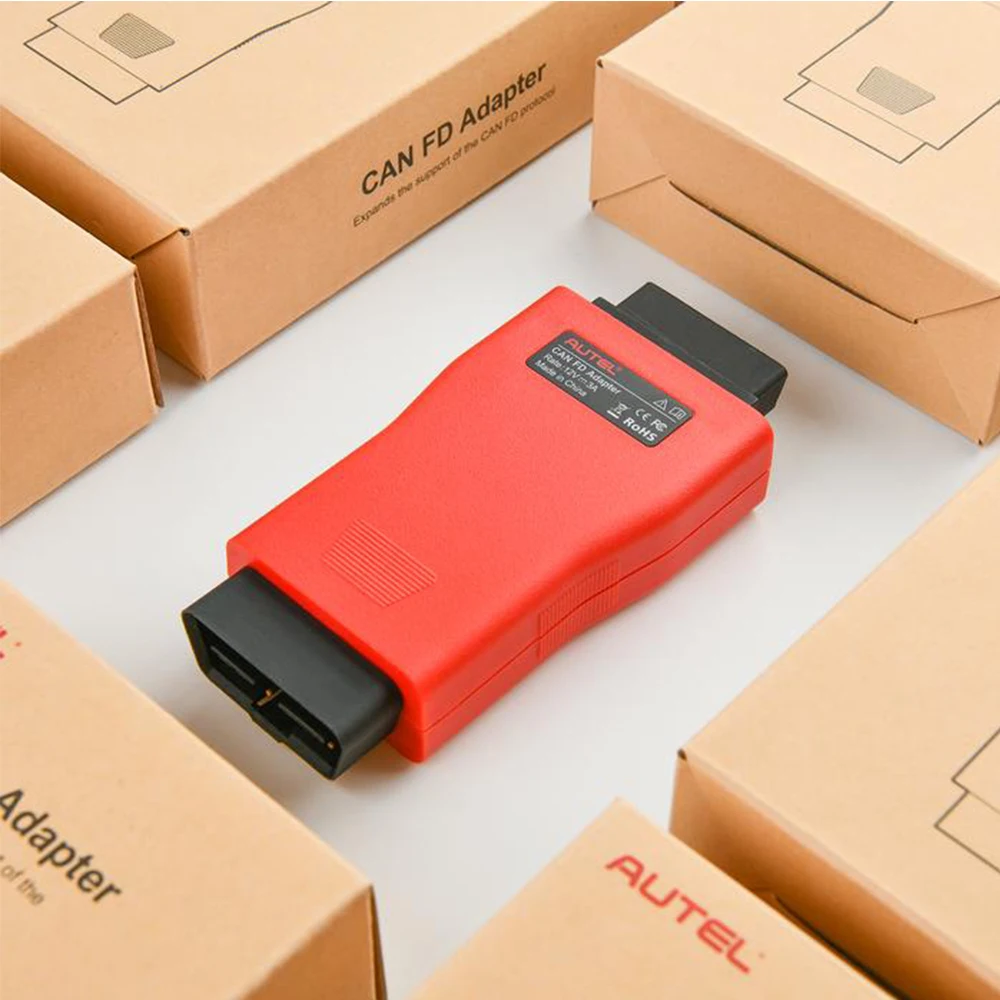
The CAN FD adapter is designed to support diagnosis of vehicle models with CAN FD protocol, including the MY2020 G-M models. It is compatible with a supported Autel vehicle communication interface (VCI), Maxisys Elite, 908 series and 906 series to communicate with applicable vehicles.
CAN FD Adapter Features:
1. Designed to support diagnosis of vehicle models with CAN FD protocol, including the MY2020 for G-M models.
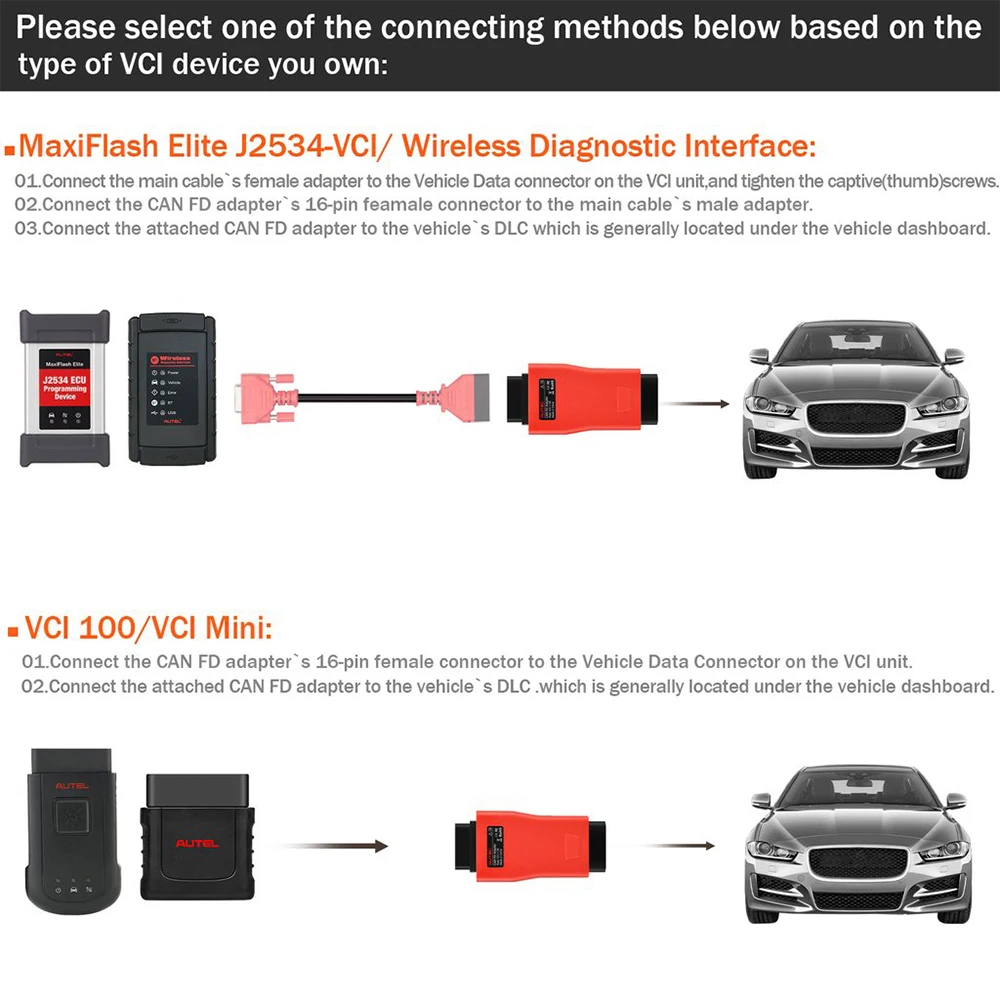
2. Compatible with a supported Autel vehicle communication interface (VCI) to communicate with applicable vehicles.
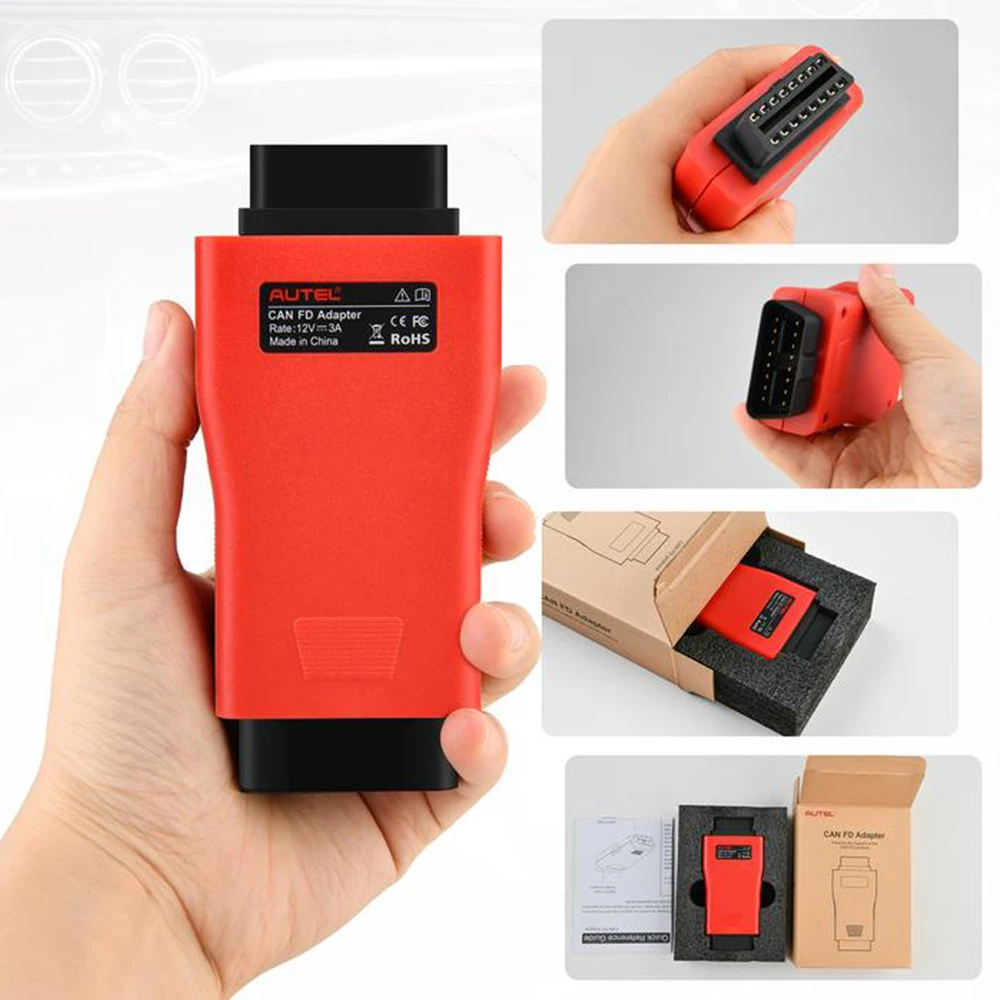
3. Small size and easy to carry, superior flexibility and durability.
4. Cannot work with AP200 or Maxiflash Pro
IMPORTANT!
1. The CAN FD Adapter is currently compatible with Autel's MaxiFlash Elite J2534-VCI, Wireless Diagnostic Interface, VCI 100 and VCI Mini.
2. Prior to use, update the VCI with the latest firmware.
( To update the VCI, use the power supply and plug in the MaxiSYS tablet to electrical outlet. Attach the supplied USB cable to the MaxiSYS tablet. Tap the VCI icon on the Tablet toolbar. Next, tap the VCI firmware version and if an update is available, tap Update for the new version to install. A progress bar will display as the update is installed. Once completed, follow the instructions displayed and reboot the VCI by deteching the USB cable from the VCI and then plug the USB cable back into the VCI. The tabler will then connect to the VCI. A message will display once the VCI update is completed.)
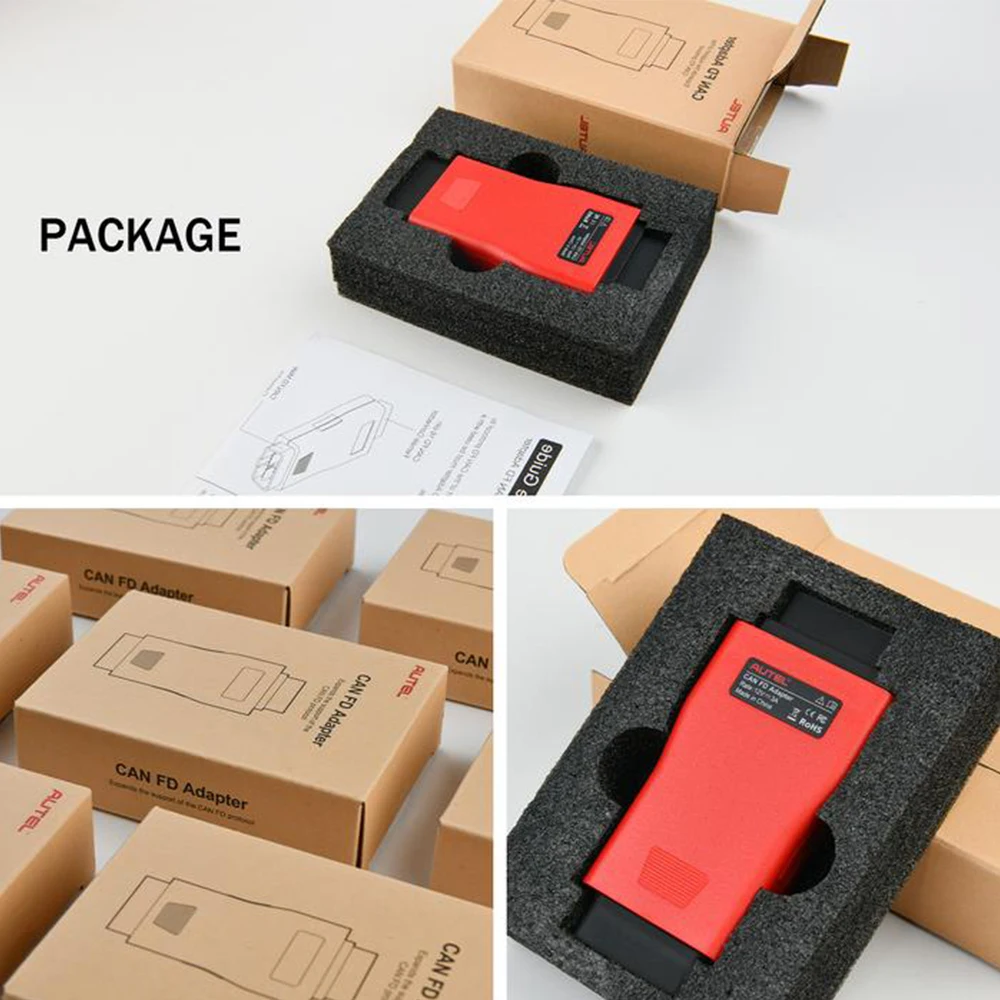
Packge Content List:
1 x CAN FD Adapter

Description
Description
CAN FD Adapter Overviews:
The CAN FD adapter is designed to support diagnosis of vehicle models with CAN FD protocol, including the MY2020 G-M models. It is compatible with a supported Autel vehicle communication interface (VCI), Maxisys Elite, 908 series and 906 series to communicate with applicable vehicles.
CAN FD Adapter Features:
1. Designed to support diagnosis of vehicle models with CAN FD protocol, including the MY2020 for G-M models.
2. Compatible with a supported Autel vehicle communication interface (VCI) to communicate with applicable vehicles.
3. Small size and easy to carry, superior flexibility and durability.
4. Cannot work with AP200 or Maxiflash Pro
IMPORTANT!
1. The CAN FD Adapter is currently compatible with Autel's MaxiFlash Elite J2534-VCI, Wireless Diagnostic Interface, VCI 100 and VCI Mini.
2. Prior to use, update the VCI with the latest firmware.
( To update the VCI, use the power supply and plug in the MaxiSYS tablet to electrical outlet. Attach the supplied USB cable to the MaxiSYS tablet. Tap the VCI icon on the Tablet toolbar. Next, tap the VCI firmware version and if an update is available, tap Update for the new version to install. A progress bar will display as the update is installed. Once completed, follow the instructions displayed and reboot the VCI by deteching the USB cable from the VCI and then plug the USB cable back into the VCI. The tabler will then connect to the VCI. A message will display once the VCI update is completed.)
Packge Content List:
1 x CAN FD Adapter
Item Specifics
Item Specifics
Description
CAN FD Adapter Overviews:
The CAN FD adapter is designed to support diagnosis of vehicle models with CAN FD protocol, including the MY2020 G-M models. It is compatible with a supported Autel vehicle communication interface (VCI), Maxisys Elite, 908 series and 906 series to communicate with applicable vehicles.
CAN FD Adapter Features:
1. Designed to support diagnosis of vehicle models with CAN FD protocol, including the MY2020 for G-M models.
2. Compatible with a supported Autel vehicle communication interface (VCI) to communicate with applicable vehicles.
3. Small size and easy to carry, superior flexibility and durability.
4. Cannot work with AP200 or Maxiflash Pro
IMPORTANT!
1. The CAN FD Adapter is currently compatible with Autel's MaxiFlash Elite J2534-VCI, Wireless Diagnostic Interface, VCI 100 and VCI Mini.
2. Prior to use, update the VCI with the latest firmware.
( To update the VCI, use the power supply and plug in the MaxiSYS tablet to electrical outlet. Attach the supplied USB cable to the MaxiSYS tablet. Tap the VCI icon on the Tablet toolbar. Next, tap the VCI firmware version and if an update is available, tap Update for the new version to install. A progress bar will display as the update is installed. Once completed, follow the instructions displayed and reboot the VCI by deteching the USB cable from the VCI and then plug the USB cable back into the VCI. The tabler will then connect to the VCI. A message will display once the VCI update is completed.)
Packge Content List:
1 x CAN FD Adapter
